

Keep your Maximo data access. Lose the VPN.
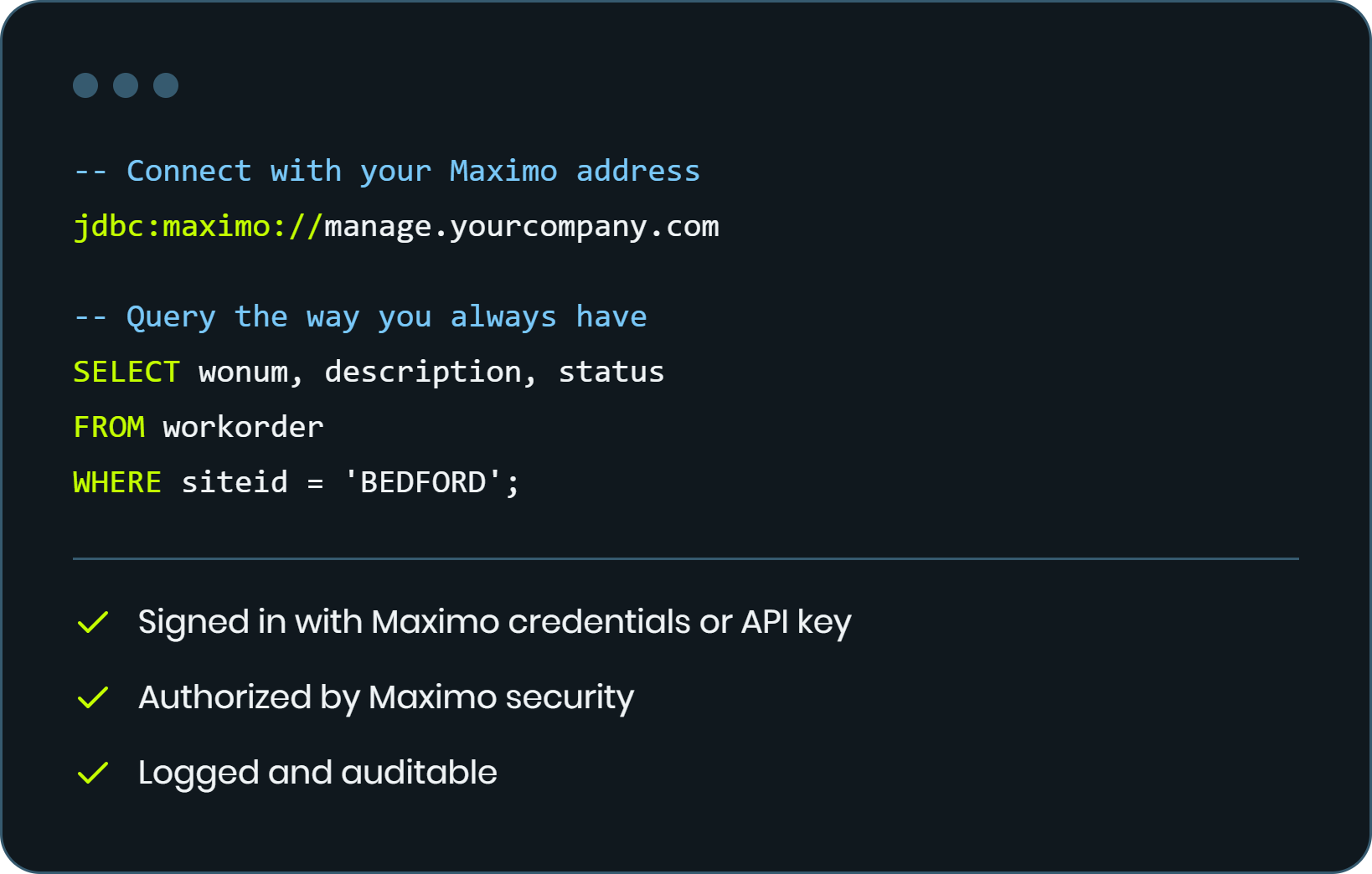
Connect SQL clients, reporting tools, and data platforms to the Maximo database through Maximo itself. No open ports, no VPN tunnels, no direct network access. Security, licensing, and auditing stay inside Maximo.
MapEngine

No VPN or firewall changes


Every statement can be audited
Moving Maximo to the cloud shouldn't cost you your data.
Report writers, analysts, and consultants still need SQL access after a migration. Getting it usually means opening the database to the network, and that puts your security team in a hard spot.
- VPN tunnels to set up and maintain
- Firewall exceptions that widen the attack surface
- Gateways and subscriptions that add cost
- Database logins managed outside Maximo security
If you can reach Maximo, you can reach your data.
A standard JDBC driver that talks to Maximo over HTTPS. Maximo runs each statement on your behalf and returns the result, so the database is never exposed.
SQL client or data platform
Loads the driver like any other JDBC driver
HTTPS to Maximo
The same address your users already reach
Security, license, audit
Every request is checked and can be logged
Maximo database
Never exposed to the network
It looks like any other JDBC driver. Because it is one.
Register the driver, enter your Maximo address, and connect. Analysts keep their queries, reports, and habits.

SQL clients
DBeaver, SQuirreL SQL, and other JDBC clients

Data platforms
Platforms with JDBC support, such as Azure Databricks

BI tools
Through a standard ODBC-to-JDBC bridge

BIRT development
Build reports without direct database access (Maximo 9.1+)
Access follows the rules you already manage.
No separate user store and no shared database passwords. Users get the same access they have in Maximo, and nothing more.
- Maximo sign-in. Maximo credentials, OIDC, or API key.
- Maximo security groups. Read and write rights are standard signature options.
- True read-only. Enforced at the database level with a dedicated read-only user.
- Custom access checks. Add your own rules, such as blocking heavy queries during working hours.
Know who ran what, when, and for how long.
Every statement passes through Maximo, so every statement can be recorded. When something slows the system down, you can find the cause.
Log to Maximo
Send activity to the standard Maximo logs.
Audit table
Store activity in Maximo for reporting, with cleanup on your retention schedule.
Connect once. It sets itself up.
When a Maximo administrator first connects, the driver installs what it needs. New versions update the same way.
- No custom Java. Built on automation scripts, so it deploys to hosted environments.
- No downtime. Only the optional audit table needs a brief outage to create.
- Cumulative upgrades. Move from any version to the latest.
- Licensed per environment. A signed license, pasted into Maximo, locked to your hosts.
Built for governed access, not bulk data.
Requests travel through Maximo, which keeps them secure and auditable but slower than a direct connection.
Frequently Asked Questions
What is Naviam Database Access for IBM Maximo?
A standard JDBC driver that connects SQL clients, reporting tools, and data platforms to the Maximo database through Maximo, without direct network access to the database.
Do I need a VPN, firewall changes, or direct database access?
No. Requests travel to Maximo over HTTPS, the same way your users reach it. The database is never exposed to the network.
How is access secured?
Users sign in with Maximo credentials, OIDC, or an API key. Permissions are managed with standard Maximo security groups. SAML is not supported.
Can I restrict users to read-only?
Yes. Read-only is enforced at the database level using a dedicated read-only database user, so it cannot be bypassed.
Which tools work with it?
Any JDBC-compatible tool, including DBeaver, SQuirreL SQL, BIRT, data platforms such as Azure Databricks, and custom Java applications. BI tools can connect through an ODBC-to-JDBC bridge.
How is Naviam Database Access for Maximo installed and updated?
Automatically. The first time a Maximo administrator connects, the driver installs what it needs. Updates work the same way and require no custom Java or downtime.
Is Naviam Database Access for Maximo suitable for high-volume database transactions?
No. Because requests run through Maximo, it is slower than a direct connection. It is built for governed reporting and querying, not bulk data movement.
Ready to Simplify Maximo Data Access?
Ready to Simplify Maximo Data Access?
Whether you're building reports, integrating third-party applications, or connecting BI tools, Naviam Database Access for Maximo provides secure, standards-based access to your Maximo data without direct database connectivity.

