
Rendre IBM Maximo Manage plus intuitif grâce à la configuration plutôt qu'à la personnalisation
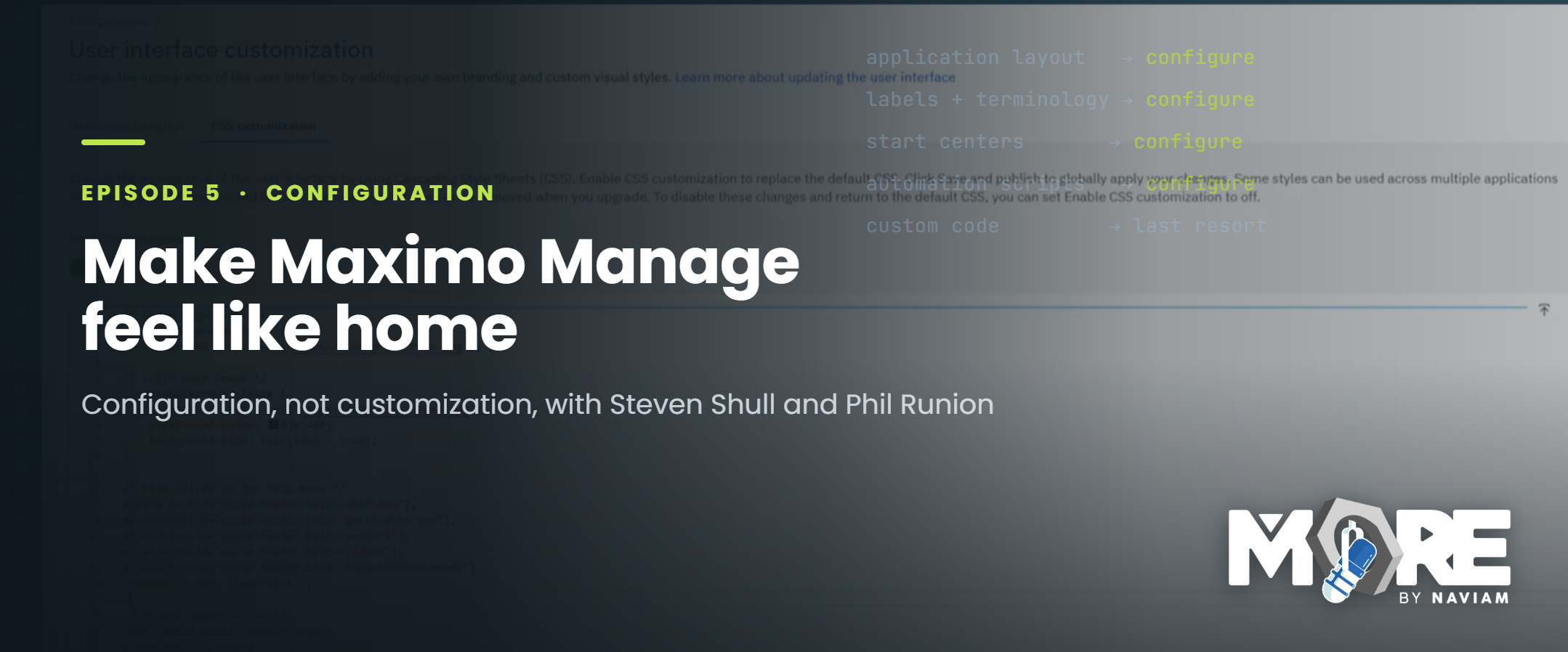
Épisode 5 de MORE par Naviam : Le podcast Maximo explore comment les équipes IBM Maximo Manage peuvent rendre le système plus familier, ergonomique et adapté à leurs besoins métier grâce à la configuration plutôt qu'à la personnalisation. L'article explique pourquoi les équipes Maximo devraient commencer par les options de configuration natives avant d'envisager du code personnalisé, afin de favoriser l'adoption tout en limitant la dette technique.
Lorsque les équipes souhaitent qu'IBM Maximo Manage s'adapte mieux à leurs méthodes de travail, le premier réflexe est parfois de personnaliser le système. Cette réaction est logique. Chaque organisation possède ses propres processus, terminologies, flux de travail, rôles, besoins en données et attentes des utilisateurs. Il est naturel de vouloir que le système soit familier pour ceux qui l'utilisent au quotidien. Cependant, la personnalisation n'est pas toujours la meilleure première étape.
IBM Maximo Manage est conçu pour être flexible. De nombreuses parties du système peuvent être ajustées, renommées, organisées, automatisées ou contrôlées via la configuration. Cette flexibilité est essentielle, car aucun environnement Maximo n'est identique. Une entreprise de services publics, un fabricant, une agence de transport, un aéroport, une équipe de maintenance ou un prestataire de services utilisent tous Maximo différemment. Même au sein d'une même organisation, les planificateurs, techniciens, superviseurs, administrateurs, gestionnaires de stocks et dirigeants peuvent avoir besoin de vues différentes du même système.
L'objectif n'est pas d'imposer une expérience générique à tous les utilisateurs, mais de façonner Maximo pour qu'il soutienne réellement le fonctionnement de l'entreprise. La configuration permet aux équipes d'y parvenir tout en restant au plus proche de la plateforme standard.
La personnalisation, en revanche, peut engendrer des responsabilités à long terme. Le code personnalisé nécessite souvent des tests supplémentaires, une documentation spécifique, une planification des mises à jour et un support dédié. Dans certains cas, cela peut rendre les évolutions futures inutilement complexes.
Cela ne signifie pas que la personnalisation est toujours une erreur. Cela signifie qu'elle doit être intentionnelle et non systématique.
L'une des raisons majeures de privilégier la configuration Maximo consiste à rendre le système plus familier pour les utilisateurs.
Les utilisateurs sont plus enclins à bien utiliser un système lorsqu'il reflète le langage, les processus et la structure qu'ils maîtrisent déjà. Si les écrans sont déroutants, les champs non pertinents, les libellés inadaptés au métier ou si les utilisateurs doivent contourner le système, l'adoption devient plus difficile.
La configuration permet de combler cet écart.
Une équipe Maximo peut ajuster les applications, les champs, les libellés, les groupes de sécurité, les centres de démarrage, les requêtes, les flux de travail, les domaines, les scripts d'automatisation, les modèles de communication et d'autres éléments pour mieux correspondre aux méthodes de travail de l'organisation. Ces changements permettent à Maximo de ne plus ressembler à un système standard, mais à un outil conçu autour des responsabilités quotidiennes de l'utilisateur. C'est le concept de « se sentir chez soi ». Le système reste Maximo, mais il doit donner l'impression d'avoir été configuré pour votre équipe.
L'un des thèmes majeurs de l'épisode 5 est que l'utilisabilité ne nécessite pas toujours un développement lourd.
Parfois, améliorer l'expérience utilisateur consiste simplement à supprimer les points de friction. Cela peut signifier simplifier un écran, afficher les champs pertinents, ajuster les libellés, améliorer la navigation, créer de meilleures requêtes enregistrées, affiner les centres de démarrage ou faciliter l'accès à des expériences spécifiques à chaque rôle. Ces changements peuvent sembler mineurs, mais ils ont un impact significatif.
Si les utilisateurs trouvent rapidement ce dont ils ont besoin, ils seront moins tentés de créer des solutions de contournement. Si les champs sont logiques, la qualité des données peut s'améliorer. Si les écrans sont plus intuitifs, la formation devient plus simple. Si l'application reflète le langage métier, les utilisateurs seront plus enclins à faire confiance au système.
La configuration offre aux équipes Maximo un moyen d'améliorer ces expériences tout en conservant un environnement facile à maintenir.
L'adoption de Maximo ne se limite pas à faire entrer les utilisateurs dans le système. Il s'agit de les aider à l'utiliser de manière cohérente et correcte. Une expérience mal configurée peut freiner l'adoption. Les utilisateurs peuvent ignorer certains champs, éviter des applications, se reposer sur des feuilles de calcul ou développer des méthodes de travail informelles si le système semble trop complexe ou déconnecté de leurs processus. Une bonne configuration permet de réduire ces résistances.
Lorsque Maximo est configuré en fonction des rôles, des processus et des besoins pratiques des utilisateurs, il devient plus facile pour les équipes de suivre le flux de travail prévu. Le système peut guider les utilisateurs vers les bonnes actions au lieu de les forcer à mémoriser chaque étape. Cela est essentiel pour les techniciens, les planificateurs, les superviseurs, les équipes de gestion des stocks, les administrateurs et toute autre personne travaillant dans Maximo. Plus le système semble intuitif, plus il est facile de renforcer la confiance et la cohérence.
L'idée derrière « la configuration plutôt que la personnalisation » ne signifie pas que le développement sur mesure doit être totalement proscrit.
Il existe des cas réels où la personnalisation peut s'avérer nécessaire. Certaines organisations ont des besoins spécialisés, des intégrations complexes, des processus uniques ou des règles métier qui ne peuvent être gérés par la seule configuration standard. Cependant, la personnalisation ne devrait être envisagée qu'après avoir exploré toutes les options déjà disponibles.
Avant de personnaliser, il est utile de se poser les questions suivantes :
Ces questions aident les équipes à éviter une complexité inutile.
La dette technique est l'une des raisons majeures pour lesquelles les équipes Maximo doivent réfléchir attentivement avant de personnaliser.
Chaque modification personnalisée peut engendrer des obligations futures. Elle devra peut-être être testée lors des mises à niveau, réexaminée en cas d'évolution des processus métier, prise en charge en cas de dysfonctionnement et expliquée aux futurs administrateurs ou partenaires.
Avec le temps, une personnalisation excessive peut rendre un environnement Maximo plus difficile à maintenir. Cela peut ralentir les mises à niveau, compliquer le dépannage et rendre plus difficile l'exploitation des nouvelles fonctionnalités de la plateforme. La configuration permet de réduire ce risque. En restant au plus près du produit standard lorsque cela est possible, les équipes facilitent le support de Maximo sur le long terme. Cela ne signifie pas que le système doit paraître générique. Cela signifie qu'il peut être adapté intelligemment sans ajouter de complexité inutile.
L'épisode 5 encourage les équipes Maximo à adopter une approche pragmatique : commencez par exploiter ce que la plateforme offre nativement. Avant de chercher à personnaliser Maximo, demandez-vous comment bien le configurer.
Cet état d'esprit s'applique à de nombreux domaines du système, notamment :
La réponse appropriée dépendra des besoins métier, mais le point de départ doit rester le même : commencez par comprendre les options de configuration.
Un environnement Maximo bien configuré n'est pas seulement plus simple pour les utilisateurs. Il l'est aussi pour les administrateurs et les équipes de support.
Lorsque le système reste proche de ses fonctionnalités standard, les équipes peuvent généralement résoudre les problèmes plus facilement, documenter les changements plus clairement et planifier les mises à niveau avec moins de surprises. Les nouveaux administrateurs comprennent l'environnement plus rapidement et les équipes de support passent moins de temps à démêler une logique personnalisée inutile. Cela confère à la configuration une valeur qui dépasse la simple expérience utilisateur initiale. Elle favorise la santé à long terme de l'environnement Maximo.
Épisode 5 de MORE by Naviam : un podcast sur Maximo est un rappel pratique que les équipes Maximo n'ont pas toujours besoin de personnaliser le système pour l'améliorer.
La configuration permet souvent aux équipes de rendre IBM Maximo Manage plus familier, utile et adapté au fonctionnement de l'entreprise. En commençant par les options de configuration intégrées, les équipes peuvent améliorer la convivialité, favoriser l'adoption et réduire les défis de maintenance à long terme. La personnalisation a toujours sa place, mais elle doit résulter d'une décision réfléchie.
Pour de nombreuses équipes Maximo, la meilleure première étape est plus simple : configurez ce que vous avez déjà, rendez le système plus facile à utiliser et faites en sorte que Maximo soit plus intuitif.
Regardez l'épisode 5 sur YouTube :
https://www.youtube.com/watch?v=e2ATnO0gdPc
Écoutez sur Spotify :
https://open.spotify.com/episode/32f0ep7IKjDK82IfBbWDeO
Découvrez d'autres épisodes de MORE by Naviam :
https://moremaximo.com/browse/more-by-naviam
Discover everything you need to know to modernize your asset management strategy.
Inside, you’ll learn:


ActiveG, BPD Zenith, EAM Swiss, InterPro Solutions, Lexco, Peacock Engineering, Projetech, Sharptree, and ZNAPZ have united under one brand: Naviam.
You’ll be redirected to the most relevant page at Naviam.io in a few seconds — or you can
go now.


.avif)