
Best IBM Maximo Resources: Documentation, Support & Tools
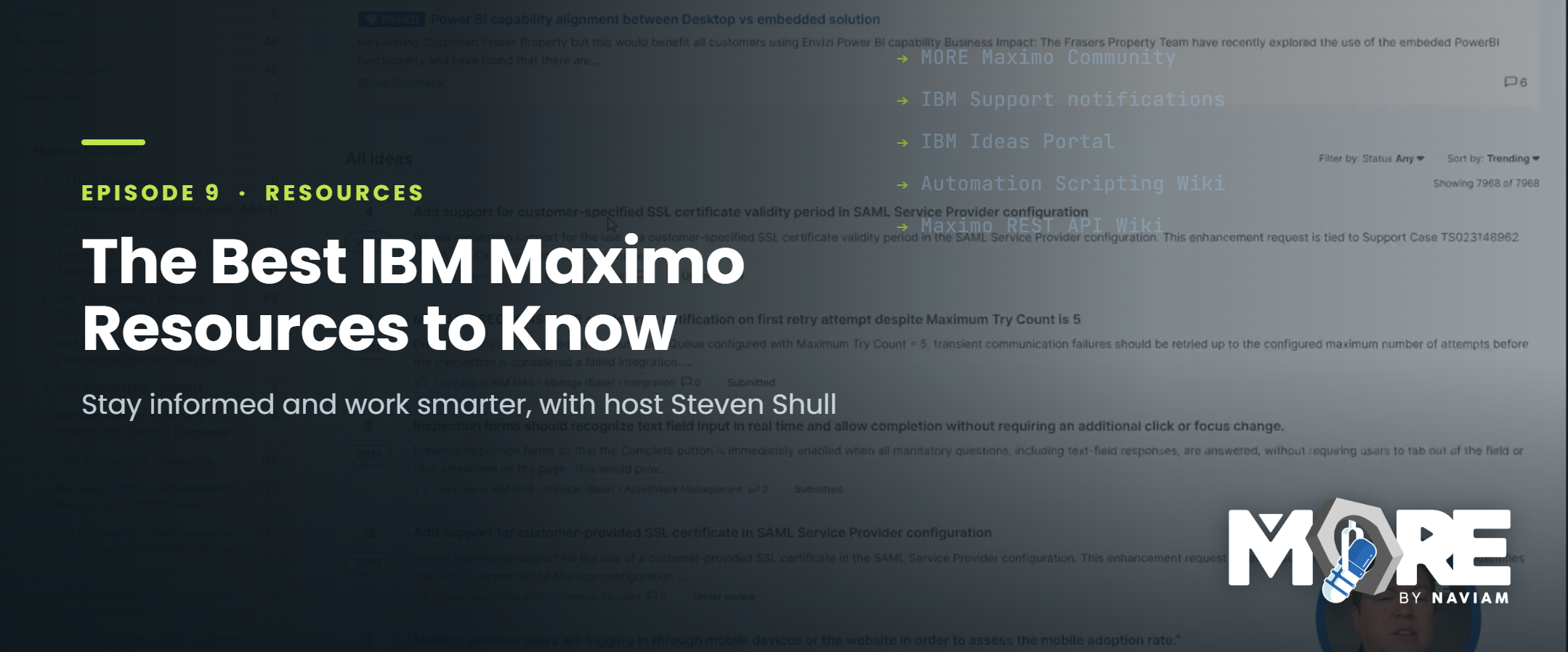
Whether you're an experienced IBM Maximo administrator or someone just getting started with Maximo Application Suite (MAS), knowing where to find reliable information is an important part of working effectively with the platform. Between product updates, technical documentation, community discussions, troubleshooting resources, and development tools, there's a tremendous amount of information available. The challenge is knowing where to look and which resources are worth your time.
In Episode 9 of MORE by Naviam: A Maximo Podcast, host Steven Shull shares the IBM Maximo resources he uses regularly to find answers, investigate issues, learn about new functionality, and stay informed about changes across the Maximo ecosystem. Drawing on more than 15 years of experience working with Maximo, Steven walks through the communities, technical references, support resources, and development tools he finds most useful.
These aren't simply websites to bookmark and forget about. They're practical resources that can help Maximo users solve problems faster, make better technical decisions, discover capabilities they may not know exist, and get more value from their Maximo environments.
One of the first places Steven recommends looking for information is the MORE Maximo Community. Community forums are particularly valuable when you're trying to determine whether something is possible in Maximo, troubleshoot unexpected behavior, or understand how others have approached a similar requirement. There's a good chance someone else has already encountered the same problem, investigated possible solutions, and shared what worked.
Rather than spending hours working through an issue independently, searching existing community discussions can often provide a useful starting point. And when an answer doesn't already exist, asking a question gives you access to the knowledge and experience of other Maximo practitioners. The MORE Community also extends beyond discussion forums, providing access to educational resources, Maximo certification information, events, and previous episodes of the MORE by Naviam podcast.
Steven also recommends the IBM Community, which offers another opportunity to engage with users and IBM professionals. A particularly useful resource is the IBM Maximo Product Updates Community, where IBM shares quarterly roadmap sessions and product updates. This is a private group that requires users to request access, but it's worth joining if you want to better understand where Maximo is heading and what functionality may be coming in future releases.
Beyond online discussions, staying connected with the broader Maximo community can also create valuable learning opportunities. Conferences, user groups, webinars, and professional certifications help users expand their knowledge and hear how other organizations are using the platform. The MORE Community includes resources for discovering relevant events and exploring IBM Maximo certifications, making it a useful starting point for anyone looking to continue their professional development.
Official product documentation is essential when working with Maximo, but sometimes the most useful explanation comes from someone who has implemented a feature, encountered its limitations, or discovered a more efficient way to accomplish a task. That's why Steven regularly turns to technical blogs and practitioner-written resources alongside IBM's documentation.
The Naviam Blog brings together insights from Maximo professionals across the organization, covering topics ranging from administration and configuration to integrations, product updates, and technical troubleshooting. Because the content comes from people working directly with Maximo environments, it often provides practical context beyond a basic explanation of how a feature works.
Another resource Steven strongly recommends is Maximo Secrets, created by Andrew Jeffery. Known for its detailed technical articles, Maximo Secrets explores Maximo functionality in considerable depth. Whether you're trying to understand service requests, qualifications, Scheduler, or another application, the articles often explain not only what a feature does, but how it works and how to use it effectively.
Steven notes that Maximo Secrets remains valuable even for people with significant Maximo experience. The detailed explanations frequently highlight lesser-known functionality or important considerations that can easily be overlooked. For administrators, consultants, and functional experts looking to deepen their knowledge, resources like these can be particularly useful when researching an unfamiliar area of the product.
Most Maximo administrators are familiar with IBM Support as the place to open cases when something isn't working correctly. While resolving issues is an important part of its purpose, Steven highlights another capability that he considers especially valuable: staying informed about product defects, fixes, security bulletins, and other technical updates before they become problems in your own environment.
IBM Support allows users to subscribe to notifications for specific products and choose the types of updates they want to receive. Steven explains that he regularly reviews published defects affecting Maximo and related products, using these notifications to understand known issues and changes as they become available. For teams responsible for maintaining production environments, receiving this information proactively can make troubleshooting and upgrade planning much more efficient.
The support portal is also useful when investigating a known defect. If you have a particular defect number, you can search for information about the issue and determine which releases contain a fix. This can help teams distinguish between something that requires a configuration change, an issue that has already been addressed, and a problem that may require additional investigation with IBM.
Another important resource is the IBM Ideas Portal, which provides an avenue for customers to suggest improvements and request new functionality. When a requirement falls outside what the product currently supports, submitting an enhancement request allows IBM to evaluate that need as part of its product planning process. Users can also find existing ideas and vote for enhancements that would benefit their organizations.
Steven discusses the example of dark mode for Maximo, describing how increased interest and support for the idea contributed to IBM's decision to pursue the capability. While voting doesn't guarantee that an enhancement will be implemented, it provides a way for customers to communicate which improvements matter to them. Participating in the Ideas Portal is therefore another practical way to stay engaged with the future direction of Maximo.
For those working more directly with Maximo configuration, scripting, integrations, or system performance, Steven highlights several technical references worth keeping close at hand. These resources are especially useful because they address functionality that isn't always easy to discover through the application interface alone.
The Maximo Automation Scripting Wiki is one such example. Automation scripts are widely used to extend Maximo behavior, but understanding the available launch points, scripting conventions, and best practices can make a substantial difference in how efficiently those scripts execute and how easily they can be maintained. Steven specifically discusses the .NEW automation script convention, which can be used when creating a new record. Because this capability isn't presented as a traditional launch point in the Maximo interface, developers unfamiliar with the naming convention may not realize it's available.
The Maximo REST API Wiki is another resource Steven recommends, particularly as API-based functionality becomes increasingly important throughout Maximo Application Suite. Historically, REST API knowledge may have been concentrated among integration developers. Today, capabilities such as Maximo Mobile, operational dashboards, and role-based applications rely heavily on APIs, making an understanding of REST interactions useful for a much broader group of technical professionals.
The documentation provides guidance on working with Maximo data, retrieving related records, executing reports, and interacting with functionality such as formulas and automation scripts. Even when you're not building an external integration, understanding how these interfaces work can help when troubleshooting newer Maximo applications or developing solutions that interact with them.
Performance is another area where having the right documentation matters. The MAS Performance Wiki provides guidance for administrators responsible for installing, configuring, and tuning Maximo Application Suite environments. Although some traditional Maximo performance considerations remain relevant, MAS introduces additional architectural and deployment considerations that administrators need to understand.
Steven also recommends bookmarking the IBM Maximo Application Suite Release Information page. This resource is particularly helpful when reviewing what has changed between releases, investigating fixed defects, or determining whether additional configuration steps are needed after applying an update. Some changes require administrators to enable system properties, apply manual updates, or take other actions before the intended behavior becomes available. Reviewing these details as part of upgrade planning can help avoid surprises after deployment.
Not every Maximo requirement needs to be solved by creating something entirely new. Over time, Naviam has developed and shared a variety of open-source solutions designed to address common challenges and extend Maximo functionality. Steven highlights the Naviam GitHub Automation Script Library as a valuable resource for teams looking for practical examples and reusable components.
The conversation includes examples such as Zebra label printing, QR code functionality, calendar invitations, and tools for extracting libraries from a running Maximo environment. These projects demonstrate how relatively focused solutions can address everyday needs without requiring teams to start development from scratch. They can also provide learning opportunities for developers looking to understand how particular functionality can be implemented through automation scripts and related techniques.
One of the final resources Steven discusses is Maximo Development Tools for Visual Studio Code. The extension provides capabilities that can simplify how developers manage Maximo changes across development, test, and production environments. Rather than treating every configuration change or script deployment as a separate manual process, developers can work with Maximo artifacts through a more structured development workflow and maintain important definitions within source control.
This becomes particularly useful for teams managing automation scripts, application presentation changes, reports, and other configuration elements that need to be deployed consistently. Steven also highlights inspection form migration as a practical example. Moving complex inspection forms between environments can involve significant manual effort, especially when forms contain conditional responses, multiple questions, and defined value lists. The extension provides functionality to help make that process more manageable.
For Maximo teams trying to improve development practices, reduce repetitive work, and maintain better control over configuration changes, these tools can provide meaningful benefits even beyond traditional software development activities.
One of the most useful takeaways from Episode 9 is that becoming more effective with Maximo doesn't necessarily mean knowing every feature or having every answer immediately available. It means understanding where to find reliable information, recognizing which resources are relevant to a particular problem, and developing habits that keep you informed as the platform evolves.
For everyday questions, community discussions and technical blogs may be the best place to begin. When investigating defects, preparing for upgrades, or reviewing security information, IBM Support and release documentation become more important. For administrators and developers, technical wikis, GitHub repositories, and development tools provide the deeper information needed to understand and implement solutions.
The resources Steven shares are valuable individually, but their real benefit comes from using them together. A community discussion might help identify a potential solution, official documentation can help explain the supported functionality, and a technical example or open-source project may provide a starting point for implementation.
As IBM Maximo Application Suite continues to evolve, keeping up with changes will remain an ongoing responsibility for everyone involved in managing and supporting the platform. Building a dependable collection of resources makes that process easier and helps teams spend less time searching for answers and more time applying what they learn.
In Episode 9 of MORE by Naviam: A Maximo Podcast, Steven Shull walks through these resources and demonstrates where to find them, how they can be used, and why they're worth knowing about.
Whether you're troubleshooting an issue, preparing for an upgrade, improving your development workflow, or simply trying to become a more knowledgeable Maximo professional, the episode provides a useful collection of resources to explore.
Explore more conversations, tutorials, and practical guidance at MORE by Naviam: A Maximo Podcast.

Discover everything you need to know to modernize your asset management strategy.
Inside, you’ll learn:

ActiveG, BPD Zenith, EAM Swiss, InterPro Solutions, Lexco, Peacock Engineering, Projetech, Sharptree, and ZNAPZ have united under one brand: Naviam.
You’ll be redirected to the most relevant page at Naviam.io in a few seconds — or you can
go now.



.avif)