
System Properties in IBM Maximo: What Maximo Teams Need to Know
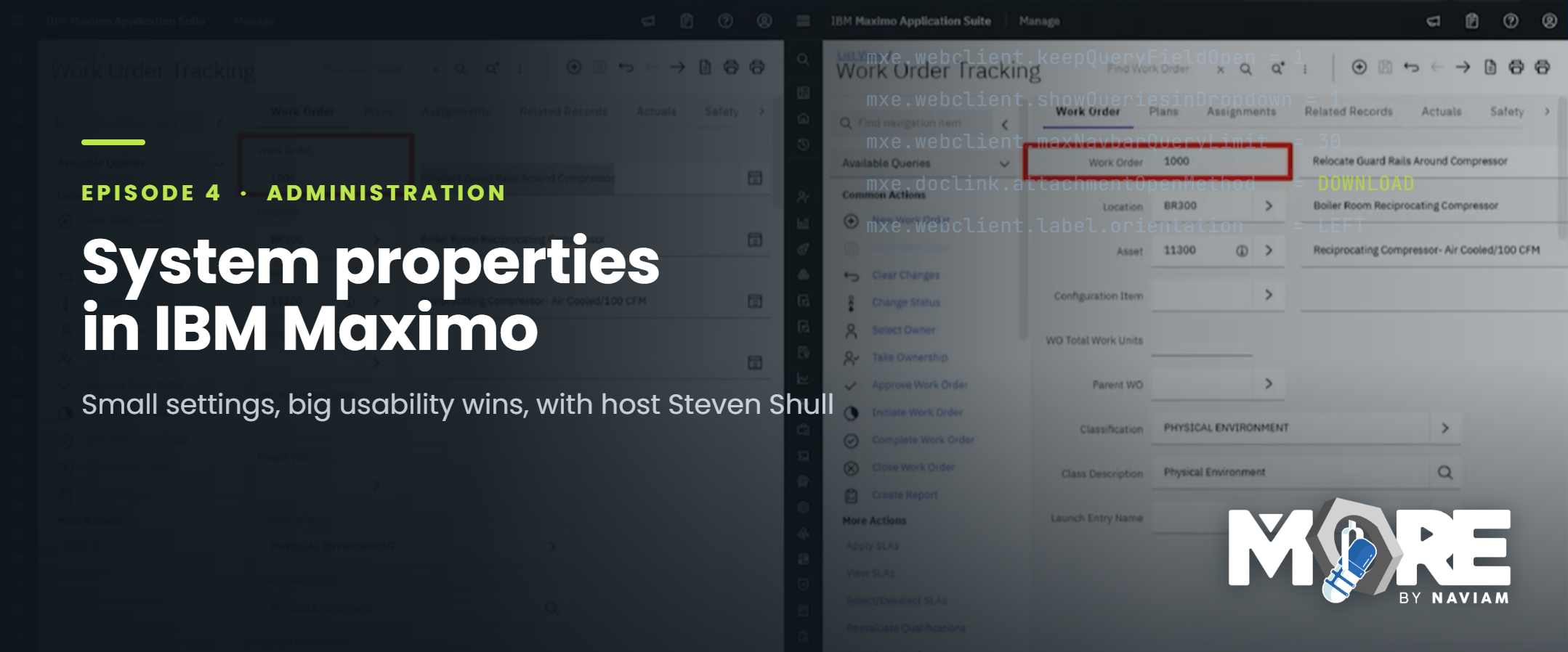
Episode 4 of MORE by Naviam: A Maximo Podcast looks at how small IBM Maximo system property changes can make the system easier to use, easier to navigate, and more practical for everyday teams. The blog highlights how Maximo administrators can use built-in configuration settings to improve query behavior, saved query access, attachment handling, and screen readability before turning to heavier customization.
When people think about improving IBM Maximo, they usually think about the big things first: upgrades, new applications, integrations, mobile deployments, reporting, automation, or major process redesigns. Those projects matter. But sometimes, the user experience in Maximo can be improved through much smaller changes.
In Episode 4 of MORE by Naviam: A Maximo Podcast, host Steven Shull walks through a set of IBM Maximo system properties that can help make the system easier to use, easier to navigate, and more practical for everyday teams.The episode is a good reminder that not every improvement requires custom code or a large project. Sometimes, the right configuration setting can remove friction from the user experience and help Maximo feel more natural for the people working in it every day.
System properties are one of the more practical tools available to Maximo administrators. They control how parts of Maximo behave across the application, including interface behavior, query behavior, attachment handling, navigation, and screen layout. They may not always be the most visible part of Maximo administration, but they can have a real impact on how users experience the system.
A Maximo environment can be technically healthy and still feel frustrating to use. Users might need extra clicks to find records. Saved queries may not be easy to access. Attachments may open in a way that interrupts the workflow. Labels and screen layouts may make information harder to scan than it needs to be.
Those issues may seem small on their own, but they add up. Over time, small usability problems can affect adoption, data quality, and confidence in the system. That is why system properties are worth understanding. They give administrators a way to fine-tune how Maximo behaves without immediately turning to customization.
One of the themes running through the episode is the value of configuration before customization.
Custom development has its place, but it also comes with long-term considerations. Custom code needs to be tested, supported, maintained, and reviewed during future upgrades. In some cases, teams may be able to avoid that complexity by first looking at what Maximo already provides through configuration.
System properties are a good example. They may not solve every usability challenge, but they can help administrators make meaningful improvements using settings that already exist within the platform.
For Maximo teams, that mindset matters. Before assuming a problem requires development, it is worth asking whether the behavior can be adjusted through configuration, application setup, security settings, or system properties. That approach can help teams improve the user experience while keeping the environment easier to maintain.
Several of the system properties Steven discusses relate to searching and saved queries. That makes sense, because search behavior is central to how many people use Maximo.
Users often spend a large part of their day filtering records, opening saved queries, reviewing lists, and narrowing down the data they need. When that experience feels smooth, Maximo is easier to work in. When it feels clunky, users notice quickly.
Properties like mxe.webclient.keepQueryFieldOpen, mxe.webclient.showQueriesinDropdown, and mxe.webclient.maxNavbarQueryLimit can all influence how users interact with queries.
For example, keeping query fields open can make it easier for users to refine searches without repeating unnecessary steps. Showing queries in a dropdown can make saved queries easier to reach. Adjusting the navigation query limit can help teams balance access with usability, especially in environments with many saved queries. These are not flashy changes, but they can make daily work easier for people who rely on Maximo to find the right records quickly.
Attachments are another area where small behavior changes can matter.
Many Maximo teams rely on attachments for photos, procedures, inspection documents, vendor files, safety materials, asset documentation, and other supporting information. In some workflows, attachments are not optional; they are part of how users understand and complete the work. That is why attachment behavior should feel intuitive.
The system property mxe.doclink.attachmentOpenMethod affects how attachments open in Maximo. Depending on how a team works, the default behavior may or may not be the best fit. If opening an attachment disrupts the user’s flow or creates confusion, it can slow people down and make the system feel harder to use.
Reviewing this type of setting gives administrators a chance to make document access feel more natural for the way their users actually work.
Steven also highlights mxe.webclient.label.orientation, which affects label orientation in the Maximo interface.
At first, label orientation may seem like a minor detail. But for users who spend a lot of time in Maximo, screen readability matters. People need to scan records, enter information, review fields, and understand what they are looking at quickly. Small interface choices can either support that experience or make it more difficult.
This is part of what makes system properties valuable. They allow administrators to adjust details that may not seem significant in isolation but can improve the overall feel of the system.
Maximo adoption is not only about training users or telling teams to follow a process. Adoption is also shaped by how easy the system is to use.
When users can find records quickly, access the queries they need, open attachments smoothly, and read screens more easily, Maximo feels more supportive of their work. That can lead to better engagement, better data entry, and fewer workarounds.
System properties are not a replacement for good process design, training, governance, or support. But they are part of the larger usability picture. For administrators and support teams, reviewing these settings can be a practical way to improve the day-to-day experience without launching a major project.
The best way to approach system properties is not to change settings randomly. Each change should be tied to a real user problem or improvement opportunity.
A good starting point is to look for areas where users consistently experience friction. Are they struggling with searches? Are saved queries hard to find? Are attachments opening in a way that creates confusion? Are there screen layout issues that make Maximo harder to read?
From there, administrators can review whether a system property or configuration setting can help.
As with any system-level change, updates should be tested carefully. Some properties affect many users, so teams should review the impact in a non-production environment, document the change, and communicate it clearly when needed.
The goal is not to change Maximo for the sake of changing it. The goal is to make thoughtful configuration decisions that improve how people work.
Episode 4 of MORE by Naviam: A Maximo Podcast shows how small IBM Maximo system property changes can make a meaningful difference in the user experience. The episode is especially useful for Maximo administrators, support teams, consultants, and anyone responsible for making Maximo easier to use and easier to maintain.
Big Maximo projects will always have their place. But this episode is a reminder that everyday improvements often start with the configuration options already available in the system. When teams understand those options and use them intentionally, Maximo can feel more practical, more familiar, and more aligned to the way people actually work.
Watch Episode 4 on YouTube:
https://www.youtube.com/watch?v=QbVMXR-r6ys
Listen on Spotify:
https://open.spotify.com/episode/4FTFqDhExQQ0FrlhV2tGd3
Explore more episodes of MORE by Naviam:
https://moremaximo.com/browse/more-by-naviam

Discover everything you need to know to modernize your asset management strategy.
Inside, you’ll learn:


ActiveG, BPD Zenith, EAM Swiss, InterPro Solutions, Lexco, Peacock Engineering, Projetech, Sharptree, and ZNAPZ have united under one brand: Naviam.
You’ll be redirected to the most relevant page at Naviam.io in a few seconds — or you can
go now.


.avif)